> For the complete documentation index, see [llms.txt](https://docs.flowiseai.com/llms.txt). Markdown versions of documentation pages are available by appending `.md` to page URLs; this page is available as [Markdown](https://docs.flowiseai.com/using-flowise/analytics/langwatch.md).
# LangWatch
Learn how to setup LangWatch to analyze and troubleshoot your chatflows and agentflows
***
[Langwatch](https://langwatch.ai) is a production-grade observability and LLMOps platform designed to monitor, debug, and enhance LLM applications and AI Agents at scale.
## Setup
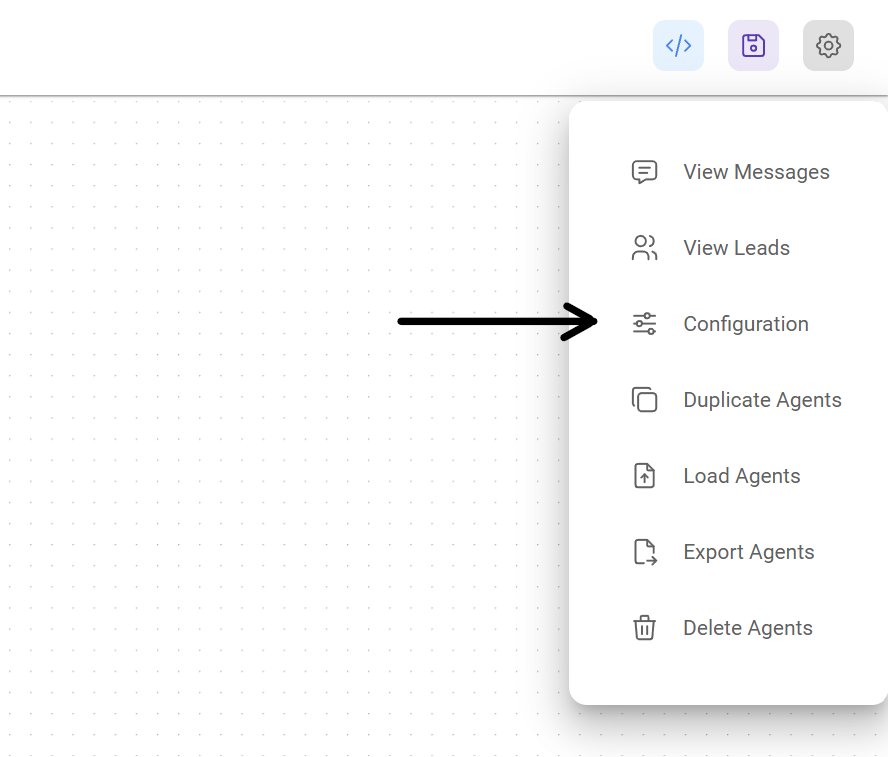
1. At the top right corner of your Chatflow or Agentflow, click **Settings** > **Configuration**
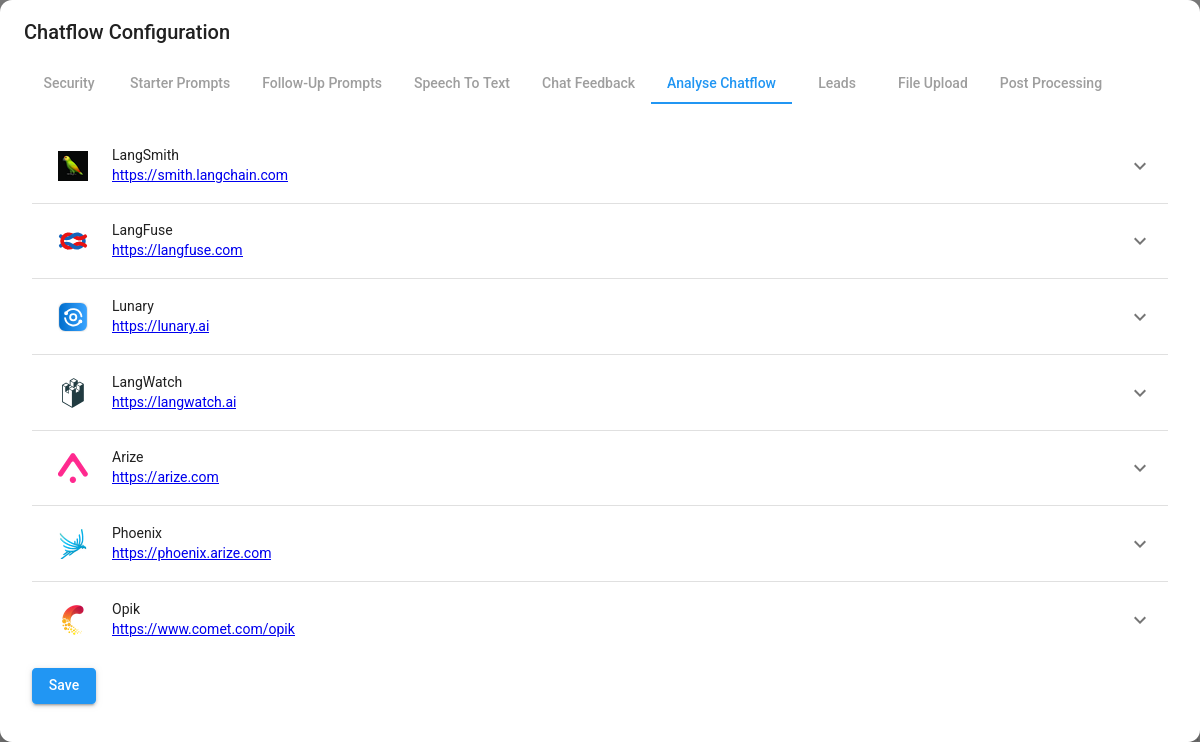
2. Then go to the Analyse Chatflow section
3. You will see a list of providers, along with their configuration fields. Click on LangWatch.
4. If you haven't already, sign up for a free account [here](https://app.langwatch.ai) to get your API key.
5. Fill in the configuration details, then turn the provider **ON** and click **Save**
6. You can now use LangWatch to analyze and troubleshoot your chatflows and agentflows. Refer to the [official guide](https://docs.langwatch.ai) for more details.