> For the complete documentation index, see [llms.txt](https://docs.flowiseai.com/llms.txt). Markdown versions of documentation pages are available by appending `.md` to page URLs; this page is available as [Markdown](https://docs.flowiseai.com/espanol/documentacion-oficial/integraciones/langchain/chat-models/mistral-ai.md).
# ChatMistralAI
## Prerrequisitos
1. Registra una cuenta en [Mistral AI](https://mistral.ai/)
2. Crea una [API key](https://console.mistral.ai/user/api-keys/)
## Configuración
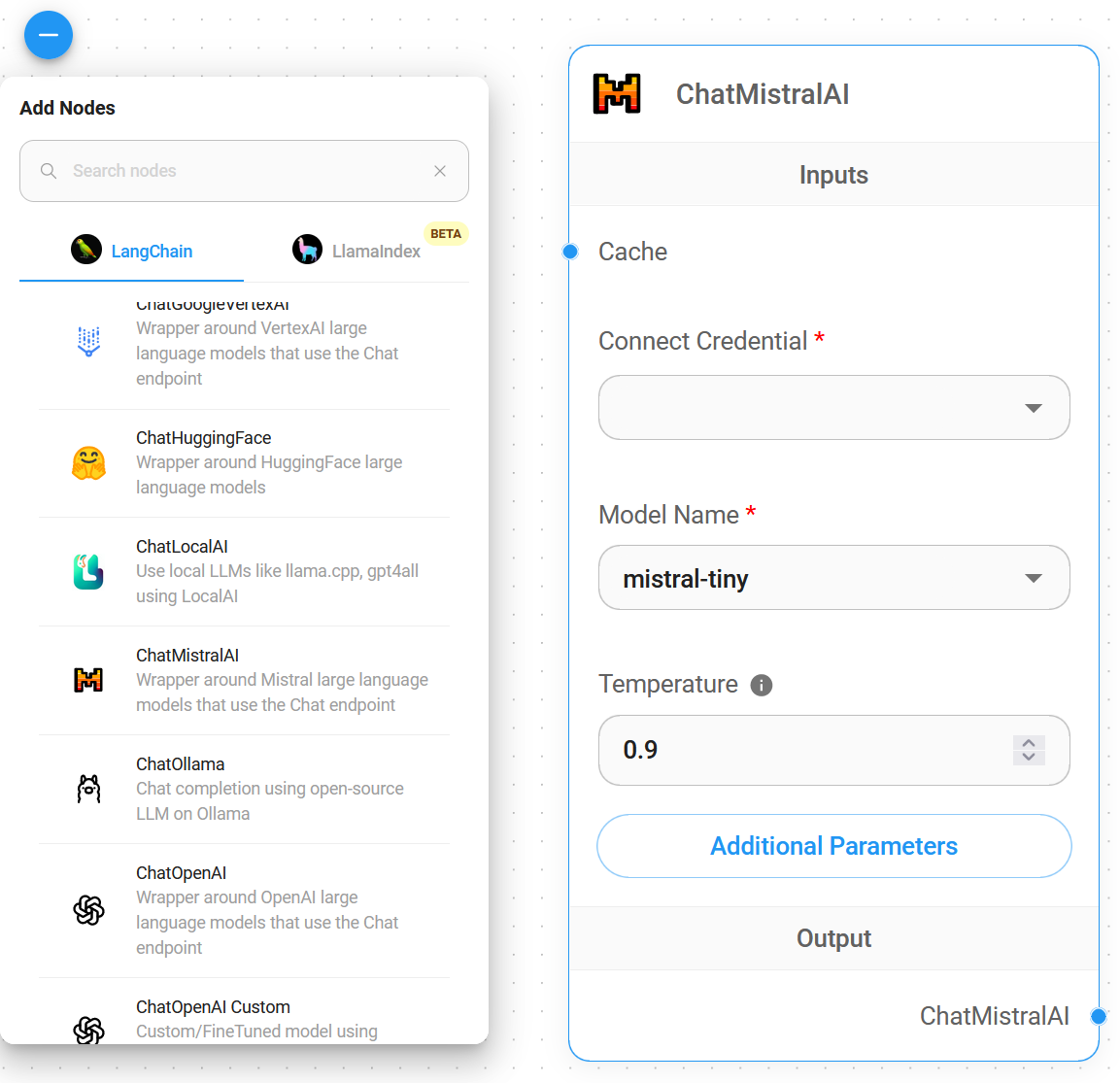
1. **Chat Models** > arrastra el node **ChatMistralAI**
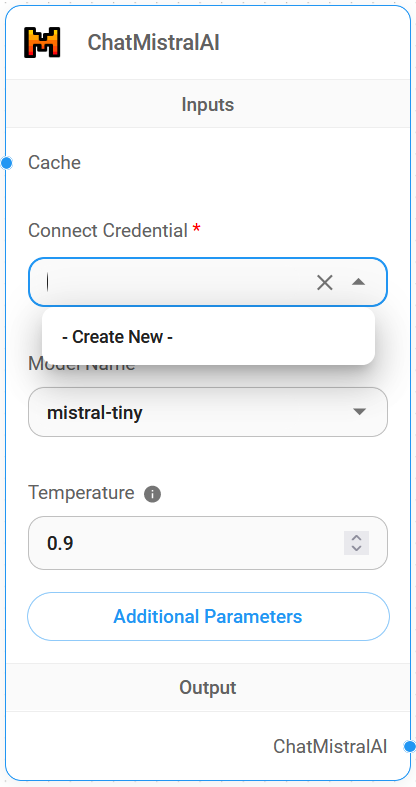
2. **Connect Credential** > haz click en **Create New**
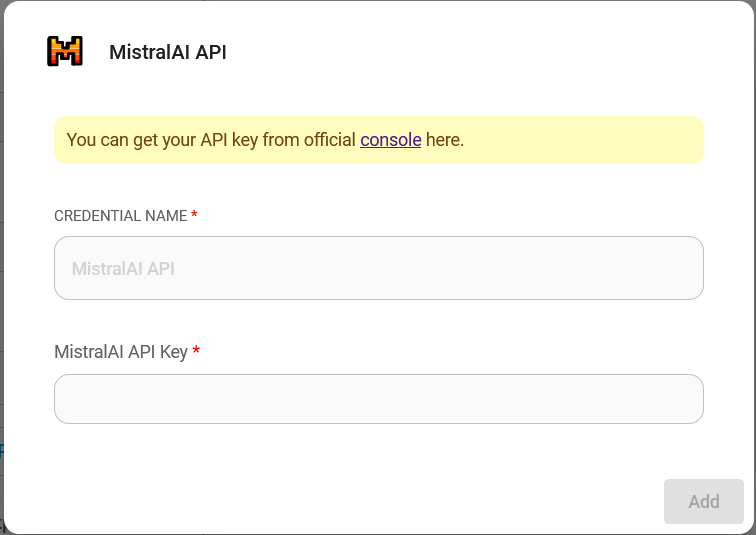
3. Completa la credencial de **Mistral AI**
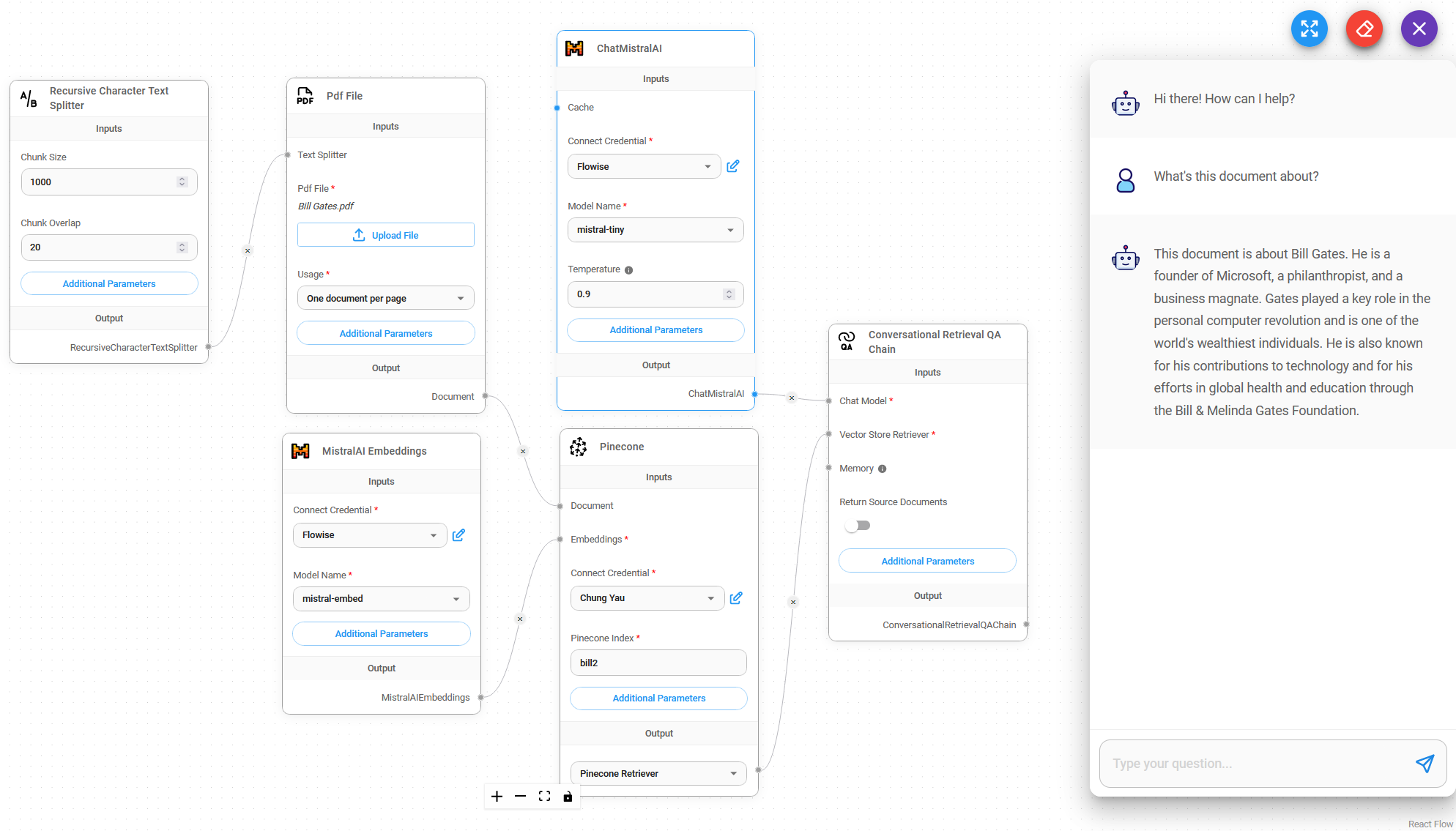
4. ¡Listo! [🎉](https://emojipedia.org/party-popper/), ahora puedes usar el **node de ChatMistralAI** en Flowise
## Recursos
* [LangChain JS ChatMistralAI](https://js.langchain.com/docs/integrations/chat/mistral)
* [Mistral AI](https://mistral.ai/)
* [Documentación de Mistral AI](https://docs.mistral.ai/)