> For the complete documentation index, see [llms.txt](https://docs.flowiseai.com/llms.txt). Markdown versions of documentation pages are available by appending `.md` to page URLs; this page is available as [Markdown](https://docs.flowiseai.com/espanol/documentacion-oficial/integraciones/langchain/agents/openai-assistant/threads.md).
# Threads
Los [Threads](https://platform.openai.com/docs/assistants/how-it-works/managing-threads-and-messages) solo se utilizan cuando se está usando un OpenAI Assistant. Es una sesión de conversación entre un Assistant y un usuario. Los Threads almacenan mensajes y manejan automáticamente el truncamiento para ajustar el contenido al contexto del modelo.
## Conversaciones separadas para múltiples usuarios
### UI & Embedded Chat
Por defecto, la UI y el Embedded Chat separarán automáticamente los threads para las conversaciones de múltiples usuarios. Esto se hace generando un **`chatId`** único para cada nueva interacción. Esa lógica es manejada internamente por Flowise.
### Prediction API
POST /`api/v1/prediction/{your-chatflowid}`, especifica el **`chatId`**. El mismo thread se usará para el mismo chatId.
```json
{
"question": "hello!",
"chatId": "user1"
}
```
### Message API
* GET `/api/v1/chatmessage/{your-chatflowid}`
* DELETE `/api/v1/chatmessage/{your-chatflowid}`
También puedes filtrar por **`chatId`** - `/api/v1/chatmessage/{your-chatflowid}?chatId={your-chatid}`
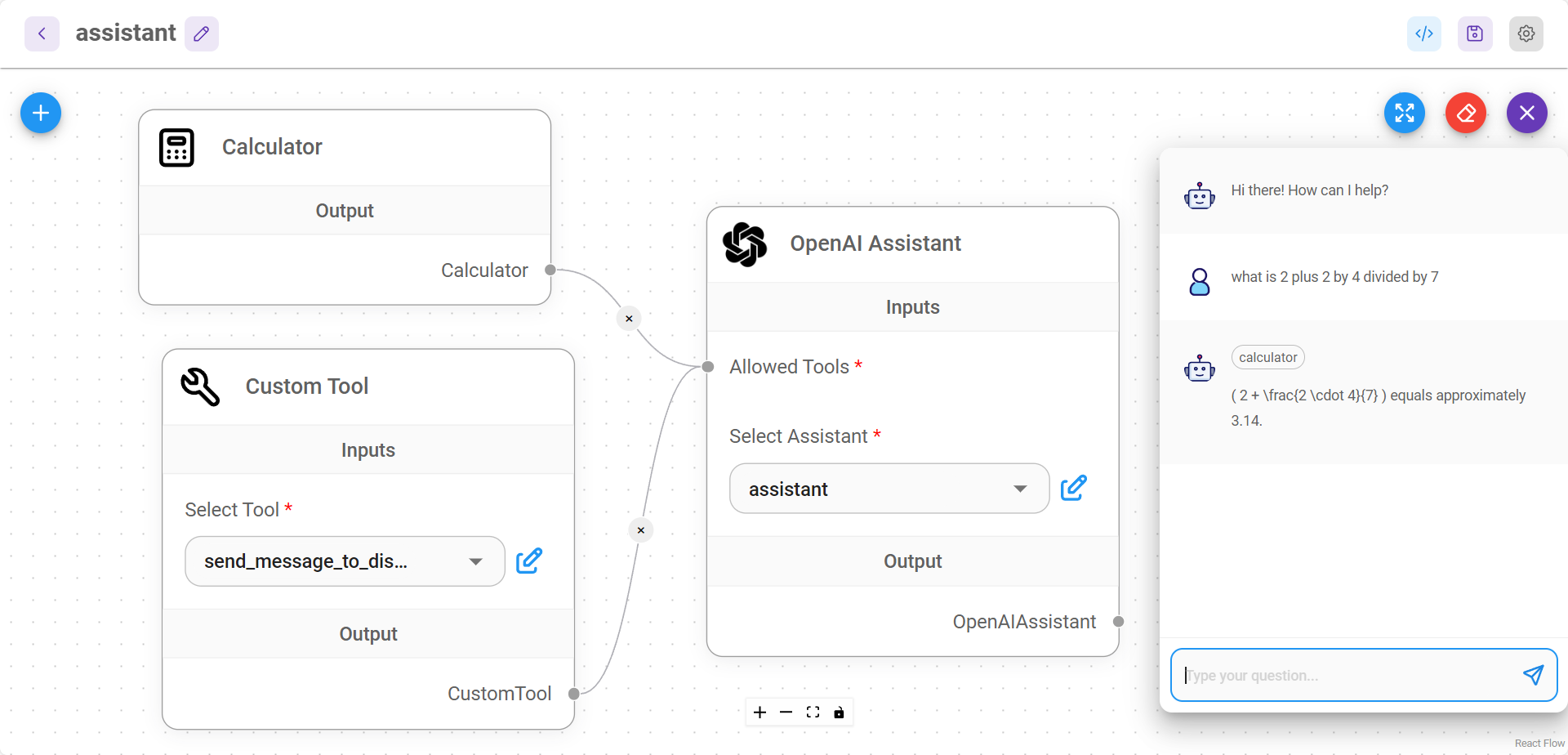
Todas las conversaciones pueden ser visualizadas y gestionadas desde la UI también:
.png?alt=media)