> For the complete documentation index, see [llms.txt](https://docs.flowiseai.com/llms.txt). Markdown versions of documentation pages are available by appending `.md` to page URLs; this page is available as [Markdown](https://docs.flowiseai.com/configuration/deployment/zeabur.md).

# Zeabur

Learn how to deploy Flowise on Zeabur

***

{% hint style="warning" %}
Please note that the following template made by Zeabur is outdated (from 2024-01-24).
{% endhint %}

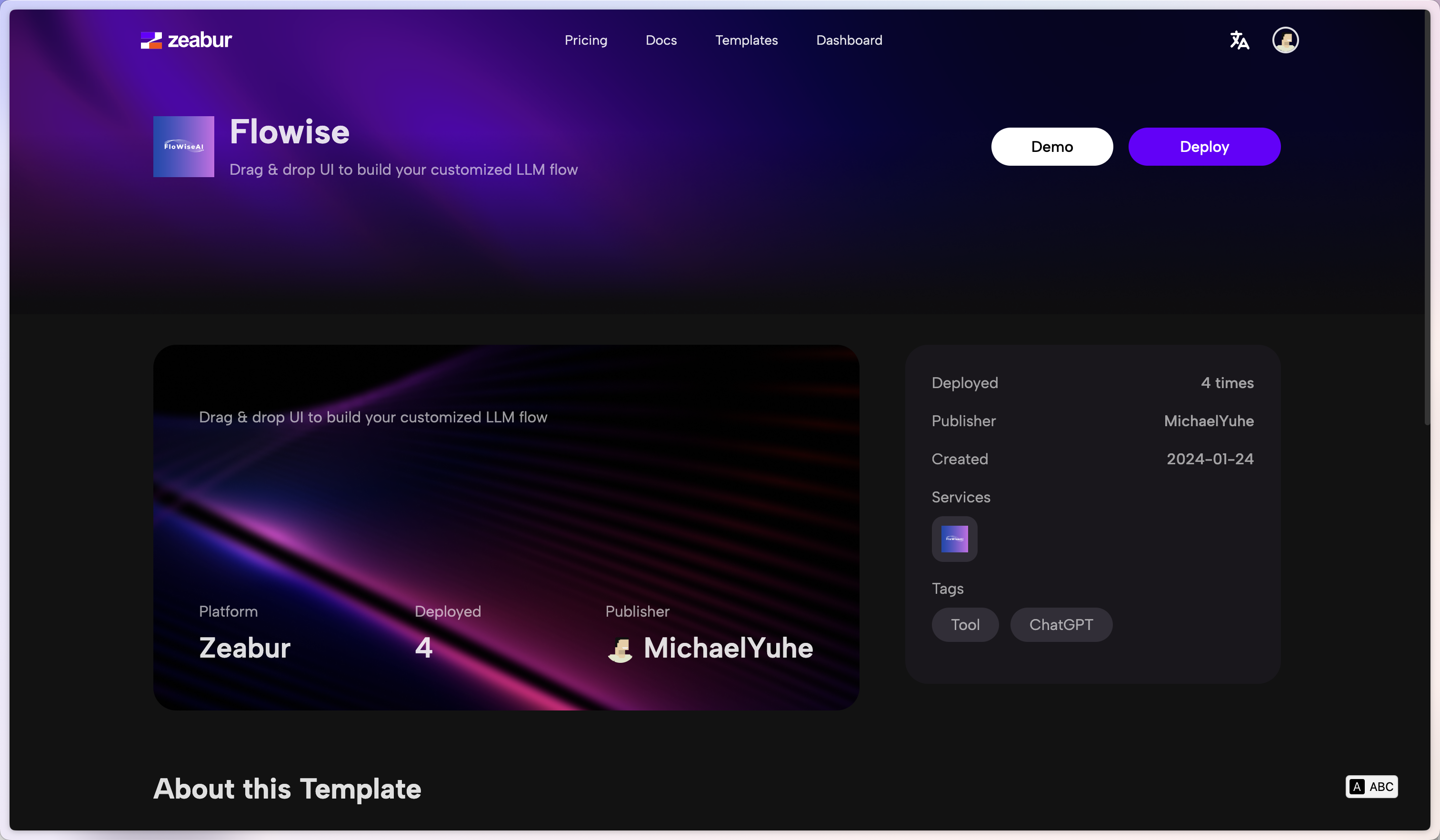
1. Click the following prebuilt [template](https://zeabur.com/templates/2JYZTR) or the button below.

[![Deploy on Zeabur](https://zeabur.com/button.svg)](https://zeabur.com/templates/2JYZTR)

2. Click Deploy

<figure><img src="https://823733684-files.gitbook.io/~/files/v0/b/gitbook-x-prod.appspot.com/o/spaces%2F00tYLwhz5RyR7fJEhrWy%2Fuploads%2Fgit-blob-2b4186e54af62612a73b8981339c71024ad20878%2F1.png?alt=media" alt="zeabur template"><figcaption></figcaption></figure>

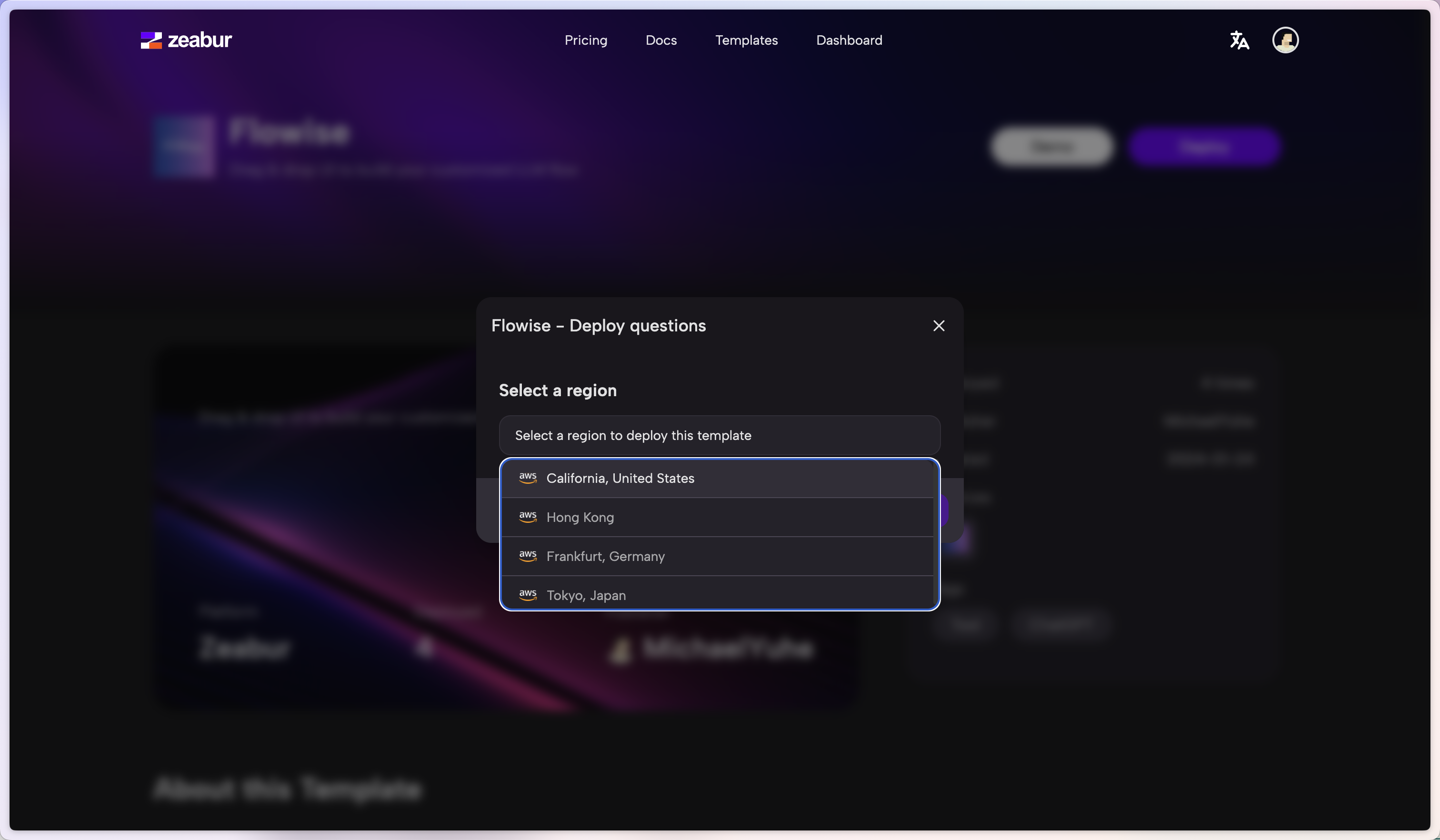
3. Select your favorite region and continue

<figure><img src="https://823733684-files.gitbook.io/~/files/v0/b/gitbook-x-prod.appspot.com/o/spaces%2F00tYLwhz5RyR7fJEhrWy%2Fuploads%2Fgit-blob-8d8063fb6fa3fce8808e680eaf694de8b7b15acf%2F2.png?alt=media" alt="select region"><figcaption></figcaption></figure>

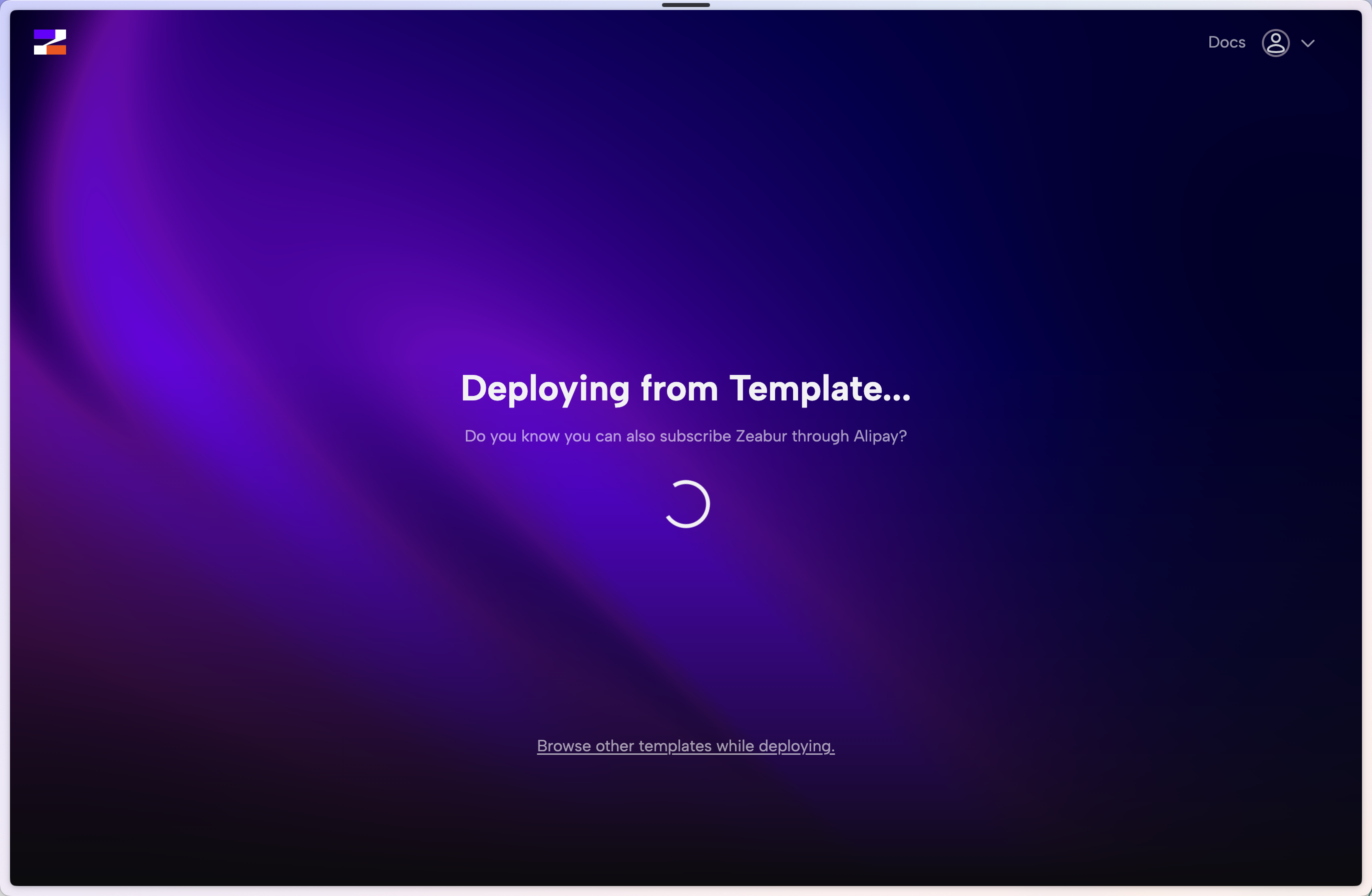
4. You will be redirected to Zeabur's dashboard and you will see the deployment process

<figure><img src="https://823733684-files.gitbook.io/~/files/v0/b/gitbook-x-prod.appspot.com/o/spaces%2F00tYLwhz5RyR7fJEhrWy%2Fuploads%2Fgit-blob-af9e168704cb246491d10d1525dc828b0fc50010%2F3.png?alt=media" alt="deployment process"><figcaption></figcaption></figure>

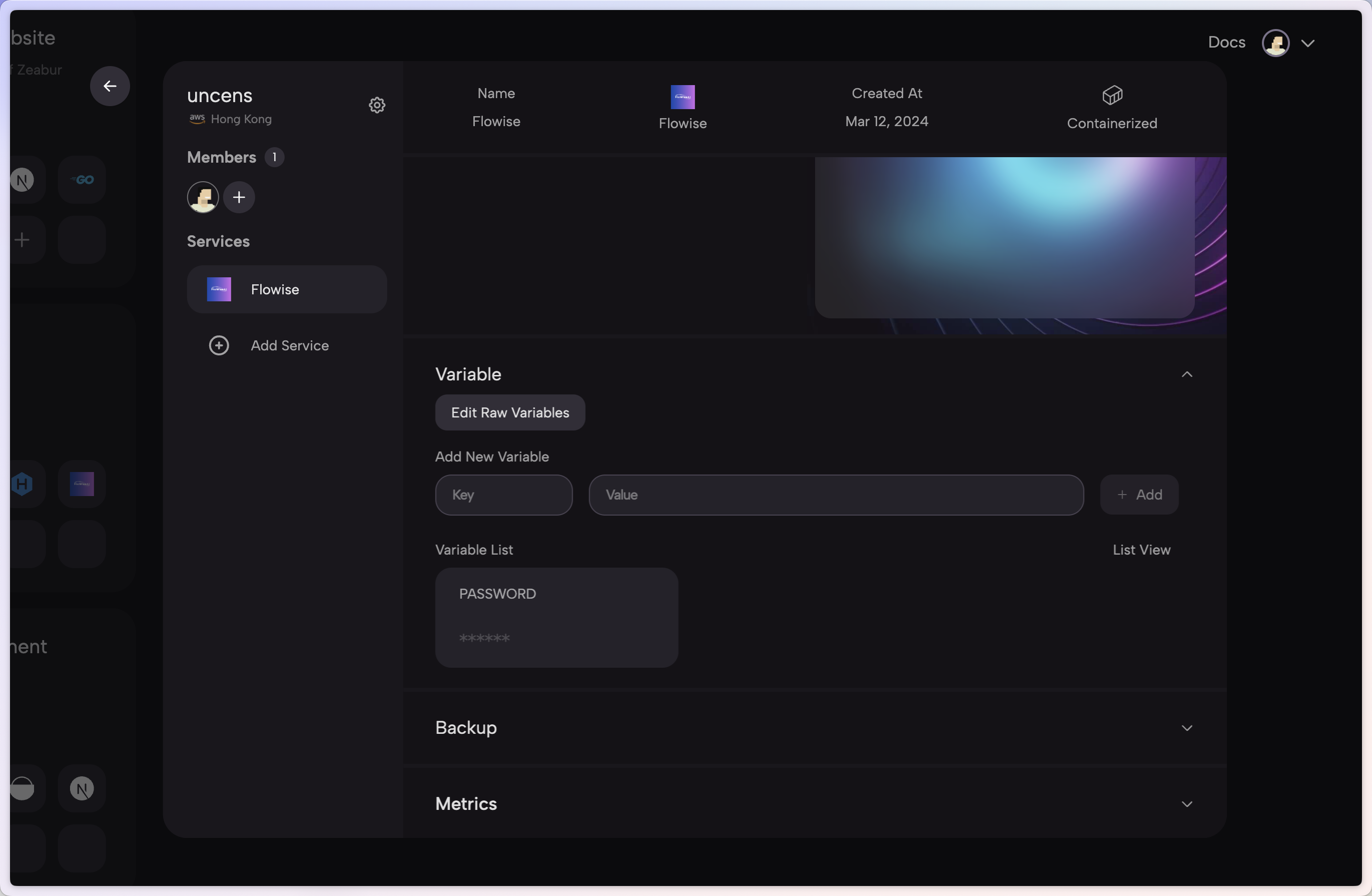
5. To add authorization, navigate to Variables tab and add:

* FLOWISE\_USERNAME
* FLOWISE\_PASSWORD

<figure><img src="https://823733684-files.gitbook.io/~/files/v0/b/gitbook-x-prod.appspot.com/o/spaces%2F00tYLwhz5RyR7fJEhrWy%2Fuploads%2Fgit-blob-ab41bc8a3c25d4e915e3476f592d5928af151001%2F4.png?alt=media" alt="authorization"><figcaption></figcaption></figure>

6. There are list of env variables you can configure. Refer to [Environment Variables](/configuration/environment-variables.md)

That's it! You now have a deployed Flowise on Zeabur [🎉](https://emojipedia.org/party-popper/)[🎉](https://emojipedia.org/party-popper/)

## Persistent Volume

Zeabur will automatically create a persistent volume for you so you don't have to worry about it.